Table of Contents
ToggleIntroduction: What Problem Does OpenClaw Solve?
Most AI assistants today live on someone else’s server.
Your messages, your data, and your usage are stored and controlled by companies you do not own.
OpenClaw is different.
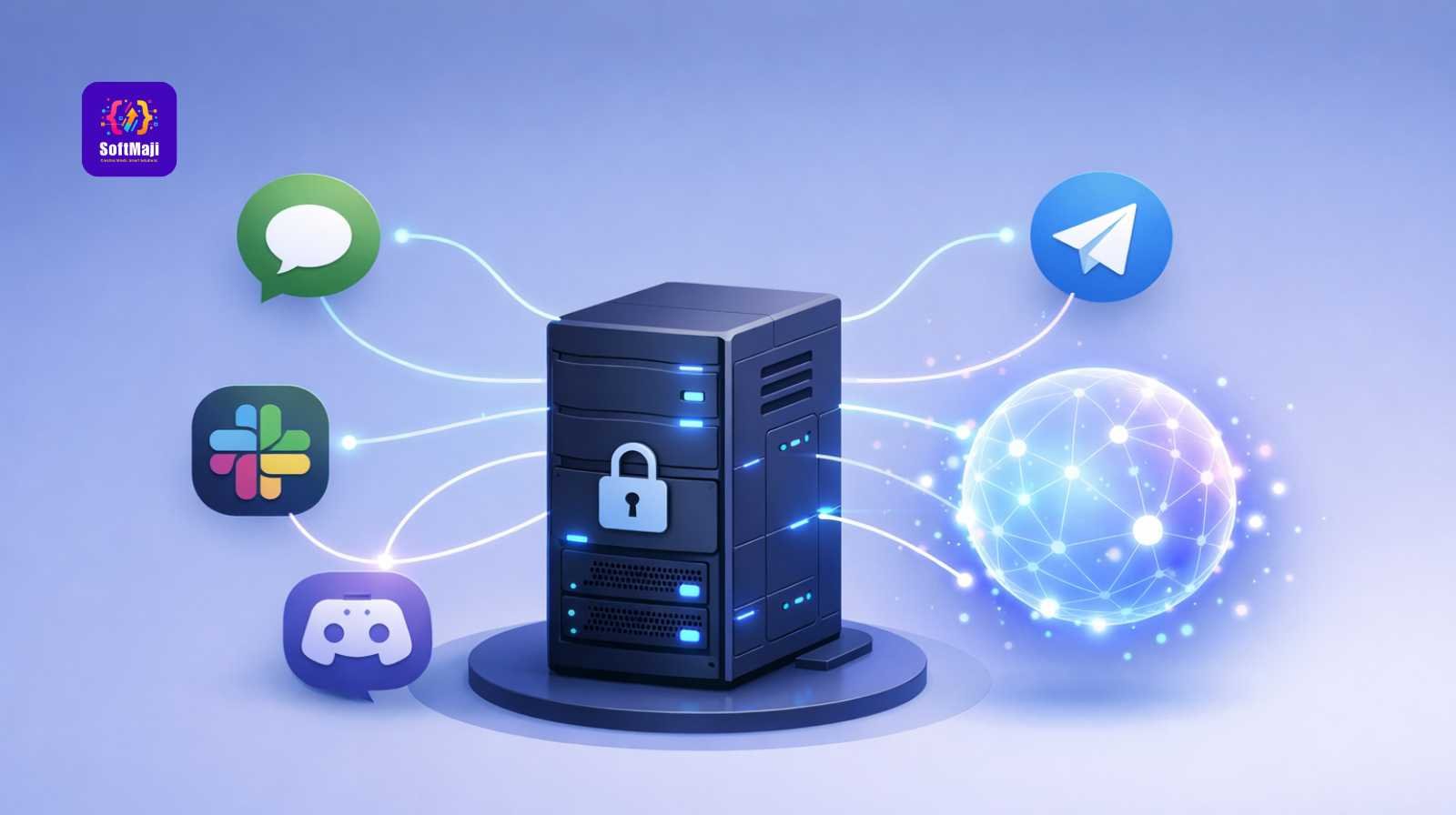
OpenClaw lets you run your own AI assistant on your own server.
It can talk to you on WhatsApp, Telegram, Slack, or Discord, but everything stays private.
This guide explains OpenClaw in very simple words, so even non-technical users can understand:
-
What OpenClaw is
-
Why people use it
-
Why it needs a VPS
-
Why Hostinger VPS is a good choice
What Is OpenClaw (Simple Explanation)
OpenClaw is a personal AI assistant that you control.
Think of it like this:
-
ChatGPT = lives on someone else’s computer
-
OpenClaw = lives on your computer (server)
OpenClaw:
-
Replies to messages like a smart assistant
-
Works on many apps at the same time
-
Keeps your data private
-
Can be customized for your needs
It was earlier known as Moltbot / Clawdbot, and now evolved into OpenClaw.
What Does “Self-Hosted” Mean?
Self-hosted means:
-
You own the server
-
You decide how data is stored
-
No company watches your messages
-
No forced limits or hidden rules
Your AI assistant runs on a VPS (Virtual Private Server) instead of a shared system.
What Is a VPS (Very Simple)?
A VPS is like your own online computer.
-
It is always on
-
It is connected to the internet 24/7
-
Only you control it
-
Much stronger than normal hosting
OpenClaw needs a VPS because it must:
-
Stay online all the time
-
Listen to messages instantly
-
Run background tasks
-
Keep memory and settings safe
Why OpenClaw Needs a VPS (Not Normal Hosting)
Normal hosting is made for websites.
OpenClaw is more like a running machine, not a simple website.
VPS vs Normal Hosting
| Feature | VPS | Normal Hosting |
|---|---|---|
| Always running | Yes | No |
| Full control | Yes | No |
| Background tasks | Yes | No |
| WhatsApp / Slack bots | Yes | No |
| Secure private data | Yes | Limited |
What Can OpenClaw Do? (Easy Use Cases)
For Normal Users
-
Personal AI on WhatsApp
-
Daily reminders
-
Notes and memory
-
Voice messages support
For Teams
-
Company AI assistant
-
Internal help bot
-
Meeting summaries
-
Task reminders
For Businesses
-
Customer support bot
-
Operations assistant
-
Automation helper
-
Internal knowledge system
Messaging Apps Supported by OpenClaw
OpenClaw works where people already chat.
Supported platforms:
-
WhatsApp
-
Telegram
-
Slack
-
Discord
-
Web chat
One AI, many apps.
You can talk to the same assistant from anywhere.
How OpenClaw Works (Very Simple Architecture)
You do not need to understand technical terms.
Just remember this flow:
-
You send a message (WhatsApp / Slack)
-
OpenClaw receives it
-
AI understands your message
-
OpenClaw sends a reply
-
Everything stays on your server
Behind the scenes:
-
A message receiver
-
A smart brain (AI)
-
Small tools called “skills”
-
Secure storage
OpenClaw Features (Explained Simply)
Smart Replies
-
Understands normal language
-
Remembers past conversations
-
Answers like a human assistant
Voice Support
-
You can send voice messages
-
AI can reply with voice
Automation
-
Open websites
-
Fill forms
-
Do repeated tasks for you
Skills
Skills are like small abilities:
-
Search
-
Notes
-
Task handling
-
Custom business rules
You can turn skills on or off.
AI Services Used by OpenClaw
OpenClaw does not lock you to one AI company.
It can work with:
-
Claude
-
OpenAI-style APIs
-
Private AI servers
You can change providers anytime.
Privacy and Security (Why People Choose OpenClaw)
With OpenClaw:
-
Messages are not sold
-
Data is not shared
-
No ads
-
No tracking
Compared to Cloud AI
| Topic | OpenClaw | Cloud AI |
|---|---|---|
| Data control | You | Company |
| Message privacy | Full | Limited |
| Custom rules | Yes | No |
| Long-term memory | Your choice | Provider choice |
Why Hostinger VPS Is a Good Choice (Beginner Friendly)
Hostinger VPS is popular because:
-
Easy to manage
-
Affordable
-
Fast servers
-
Full control access
-
Works well with AI tools
For beginners, it avoids complex setup issues.
Simple Deployment Overview (No Technical Steps)
High-level process:
-
Buy a VPS
-
Prepare the server
-
Install OpenClaw
-
Connect messaging apps
-
Connect AI service
-
Start using your assistant
No daily maintenance needed once running.
OpenClaw vs Cloud AI Assistants
| Feature | OpenClaw | Cloud AI |
|---|---|---|
| Self-hosted | Yes | No |
| Works on WhatsApp | Yes | Sometimes |
| Data ownership | Yours | Not yours |
| Custom automation | Yes | Limited |
| Monthly lock-in | No | Yes |
People Also Ask
Is OpenClaw free to use?
OpenClaw is self-hosted. You mainly pay for the VPS and AI usage.
Can non-technical people use OpenClaw?
Yes. Once set up, it works like normal chat apps.
Does OpenClaw replace ChatGPT?
It replaces the need for cloud AI if you want privacy and control.
Is OpenClaw safe for business data?
Yes, because data stays on your server.
FAQ
What is OpenClaw in one line?
A private AI assistant that you run on your own server.
Do I need coding skills to use it?
No, only for advanced customization.
Can I use it for my company?
Yes, many teams use it internally.
Is VPS mandatory?
Yes, OpenClaw needs a VPS to run properly.
SEO Internal Linking Suggestions
-
self-hosted AI assistant
-
private AI chatbot
-
VPS hosting for AI
-
WhatsApp AI bot
External Authority References (Suggested)
-
VPS hosting guides
-
Data privacy standards
-
Messaging platform documentation
Final Thoughts
OpenClaw is for people who want:
-
Control over their AI
-
Privacy for conversations
-
One assistant across many apps
-
Freedom from cloud limits
If you want an AI assistant that works for you, not a company, OpenClaw on a VPS is a smart and future-proof choice.
Once set up, it feels just like chatting with a normal assistant only safer, smarter, and fully yours.


Related items

Most developers outgrow shared hosting faster than they expect.Slow builds, limited resour