
Some users are currently seeing a “504 Gateway Timeout” error while trying to open ChatGPT at chatgpt.com.
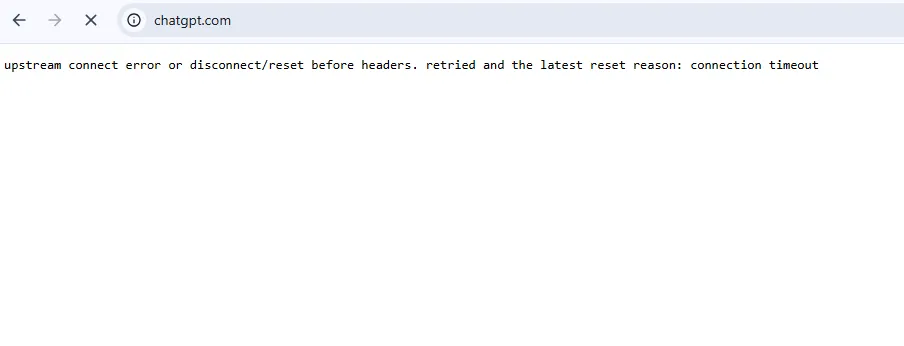
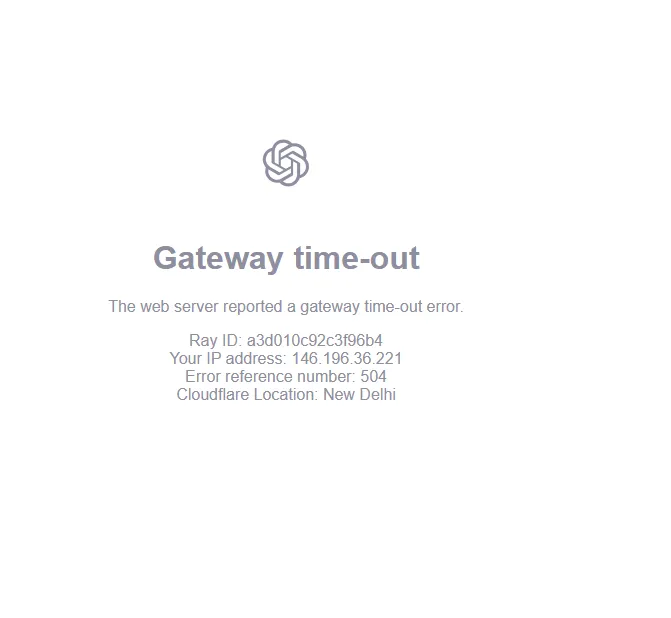
The error may look like this:
Gateway time-out
The web server reported a gateway time-out.
You may also see a Cloudflare Ray ID, your IP address, an error reference number such as 504, and a Cloudflare location.
If you are seeing this message, it does not necessarily mean that your internet connection or computer is the problem.
What is a 504 Gateway Timeout?
A 504 Gateway Timeout is a server-side communication error.
In simple terms, when you open ChatGPT, your request has to pass through different systems before the ChatGPT service can respond. A gateway or proxy waits for a response from another server. If that response takes too long, the gateway can return a 504 Gateway Timeout error.
Cloudflare also explains that 502 and 504 errors can occur when it cannot establish a timely connection with the upstream or origin server.
So, seeing a 504 error does not automatically mean that ChatGPT is completely down. It can be a temporary problem between different parts of the service infrastructure.
Why is ChatGPT showing this error?
There can be several reasons for a 504 error, including:
- Temporary server overload
- High traffic
- Problems communicating between infrastructure services
- A slow or unavailable upstream server
- Network or routing problems
- Temporary Cloudflare or hosting infrastructure issues
- A problem that affects only some users or regions
The exact cause cannot be determined simply by looking at the 504 page.
Is the problem with my internet?
Not necessarily.
If other websites are working normally and only ChatGPT is showing a 504 error, there is a reasonable possibility that the problem is related to the ChatGPT service or the network path between your connection and the service.
However, local network issues, VPNs, proxies, browser extensions, DNS problems, or similar configurations can also sometimes contribute to connection problems.
OpenAI recommends checking its official status page and, when necessary, trying another browser, private browsing mode, network, or device.

When will ChatGPT be fixed?
This is the most common question.
There is no reliable public time estimate unless OpenAI provides one.
A 504 error can sometimes disappear within a few minutes, while more complicated infrastructure problems can take longer to resolve.
At the time of writing, OpenAI’s official status page reports that its systems are fully operational and says it is not aware of an active system-wide issue.
This means that if you are still seeing the 504 error, the issue may be temporary, regional, intermittent, or related to a particular network or connection path.
OpenAI’s status history also shows that previous incidents have been resolved after the company applied mitigations and monitored recovery.
What should you do right now?
If ChatGPT is showing a 504 error, you can try these simple steps:
- Refresh the page.
- Wait a few minutes and try again.
- Open ChatGPT in an incognito or private browser window.
- Try another browser.
- Temporarily disable VPN or proxy services.
- Try a different internet connection, such as mobile data.
- Check the official OpenAI status page for an active incident.
If the problem is on the server side, there may be nothing you need to change on your device. In that case, the best option is usually to wait for the service to recover.
How can you check whether ChatGPT is back?
The best source is the official OpenAI status page.
The status page provides information about ChatGPT and other OpenAI services.
Final update
A 504 Gateway Timeout is generally a temporary communication problem, not a message that your ChatGPT account has been deleted or permanently blocked.
If you are seeing the error, give the service some time and check the official status page before making major changes to your account or device.
We will update this article if OpenAI publishes a confirmed incident, cause, or recovery information.
Last checked: September 18, 2026.


Related items

Most developers outgrow shared hosting faster than they expect.Slow builds, limited resour

The AI industry just witnessed a major moment. Elon Musk’s AI company xAI has reportedly r