Many users are confused right now.
RAM prices are high.
SSD prices are rising.
Upgrade costs are not what they used to be.
So the big question is:
Is this the right time to upgrade RAM or SSD in 2026?
Some people are upgrading immediately.
Others are waiting and hoping prices will drop.
In this blog, you will get a clear and honest answer.
No hype.
No fear.
Just practical guidance based on real market conditions.
What Does “Upgrading RAM or SSD” Mean?
Upgrading RAM or SSD means:
• Adding more RAM to improve performance
• Replacing a smaller SSD with a larger one
• Switching from HDD to SSD
• Moving from DDR4 to DDR5
People usually upgrade to:
• Make systems faster
• Fix slow performance
• Run new software smoothly
But timing matters.
Upgrading at the wrong time can cost more money.
Why This Question Is Important in 2026
2026 is not a normal year for hardware upgrades.
There are unusual market conditions:
• Memory prices are unstable
• AI demand is extremely high
• Manufacturers are prioritizing large buyers
Because of this, a wrong upgrade decision can:
• Waste money
• Lock you into expensive hardware
• Reduce long-term value
That is why this decision needs careful thinking.
Current RAM and SSD Market Situation (Simple Explanation)
Let’s understand the current situation in very simple terms.
RAM Market
• Prices are higher than last year
• DDR5 is expensive
• DDR4 is slowly being phased out
SSD Market
• NVMe SSD prices are rising
• High-capacity SSDs cost more
• Enterprise SSD demand is affecting consumer supply
This means:
Upgrading today is possible, but not cheap.
How to Decide If You Should Upgrade (Step by Step)
This is the most important section.
Follow these steps carefully.
Step 1: Check Your Current System Performance
Ask yourself:
• Is my system slow?
• Does it freeze or lag?
• Do apps take too long to open?
If the answer is no, you may not need an upgrade right now.
Step 2: Identify the Real Bottleneck
Many users upgrade blindly.
Do not do that.
Check:
• RAM usage (Task Manager)
• Disk usage (SSD/HDD performance)
Common cases:
• High RAM usage → RAM upgrade helps
• Slow disk → SSD upgrade helps
Upgrading the wrong component wastes money.
Step 3: Understand Your Use Case
Different users need different upgrades.
For Students
• Online classes
• Browsing
• Basic software
Usually 8–16 GB RAM and SSD is enough.
For Business Owners
• Accounting software
• CRM systems
• Browsers with many tabs
Stable performance matters more than speed.
For Developers and Designers
• Heavy apps
• Virtual machines
• Build tools
Upgrade may be necessary even at higher cost.
Step 4: Compare Upgrade Cost vs New System
Sometimes upgrading is not worth it.
Example:
• Expensive DDR5 RAM
• Limited motherboard support
In such cases, waiting or planning a new system is better.
Benefits of Upgrading Now (If You Really Need It)
Upgrading now still has advantages.
• Immediate performance improvement
• Better productivity
• No waiting for uncertain price drops
• Longer usable life of system
For professionals, time saved is often worth more than money.
Risks of Upgrading During High Price Period
You must also understand the risks.
• Paying higher-than-average price
• Limited upgrade options
• Lower resale value later
• Price drop after purchase
That is why upgrades should be need-based, not fear-based.
Common Upgrade Mistakes in 2026
Avoid these mistakes.
1. Over-Upgrading
Buying more RAM or storage than required.
2. Mixing Incompatible RAM
Different speeds or brands causing instability.
3. Ignoring Future Software Needs
Upgrading too little and needing another upgrade soon.
4. Assuming Prices Will Never Drop
Markets always adjust over time.
Best Practices and Expert Tips
Follow these expert-level tips.
Upgrade in Stages
Upgrade only the most critical component first.
Buy Trusted Brands Only
Memory quality matters more than small price differences.
Avoid Panic Decisions
Do not upgrade just because prices are rising.
Track Prices for 2–4 Weeks
Short-term price fluctuations help decide timing.
FAQs (Frequently Asked Questions)
Is 2026 a bad year for hardware upgrades?
Not bad, but more expensive than usual.
Should I wait for RAM prices to drop?
If your system works fine, waiting is a good option.
Is upgrading SSD still worth it?
Yes. SSD upgrades still give major performance benefits.
Will DDR4 become cheaper?
DDR4 may stabilize but will slowly disappear from the market.
Is laptop upgrade different from desktop?
Yes. Laptop upgrades are more limited and time-sensitive.
Conclusion
There is no single answer for everyone.
Upgrading RAM or SSD in 2026 depends on:
• Your current system
• Your real needs
• Your budget
• Your patience
If performance affects your work, upgrade now.
If not, waiting is often the smarter move.
The best upgrade decision is an informed decision.


Related items

Introduction Phone number login is now one of the fastest-growing authentication methods i
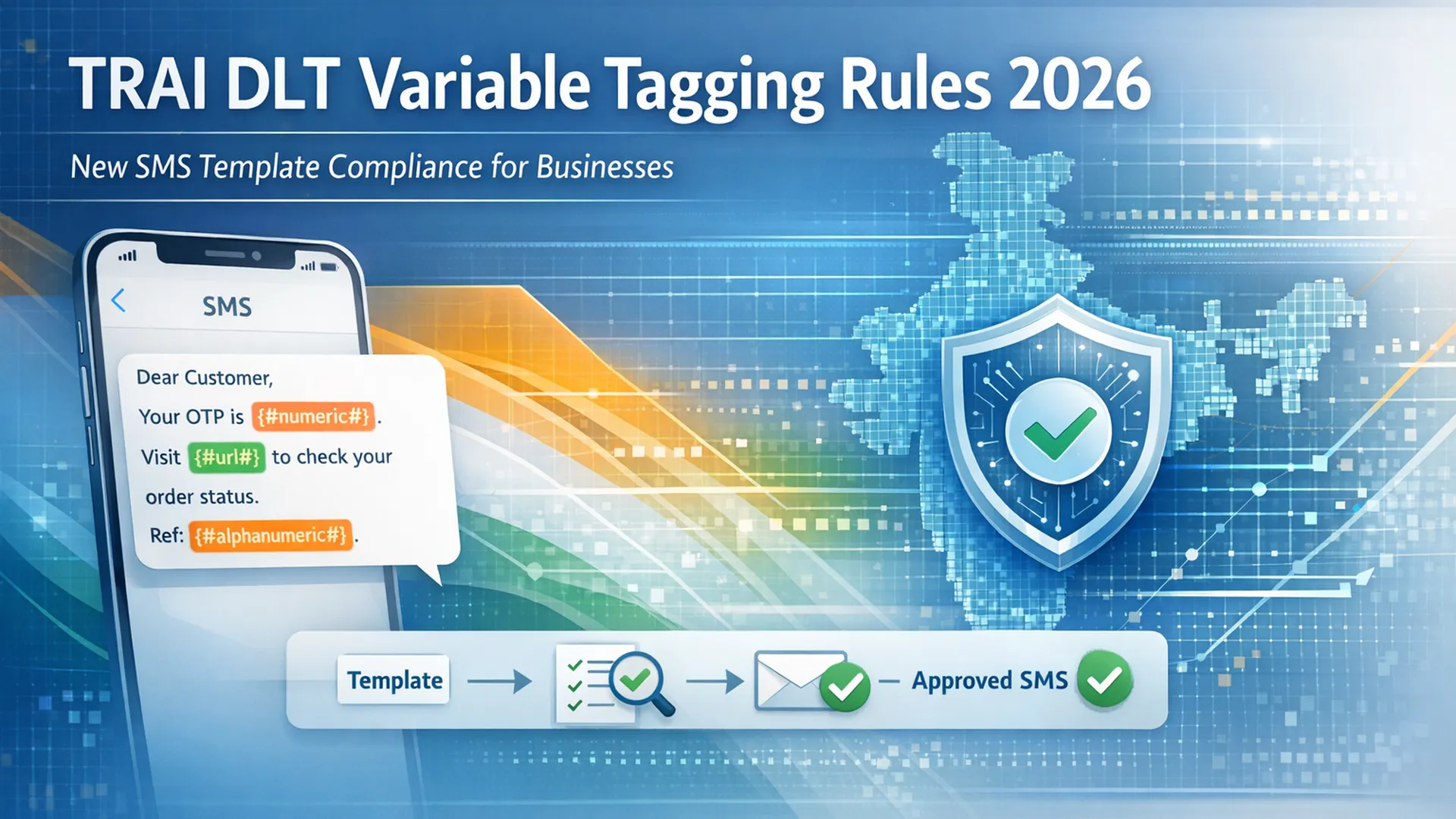
If your business sends OTPs, order confirmations, payment reminders, or promotional SMS in

The Apple iPhone 18 Pro Max is expected to be one of the most refined smartphones Apple ha