Steps to update the WordPress installation:
- Log in to WordPress.
- On the left sidebar, click on Updates.
- Here, click on Check Again to make sure that your installed version is up to date.
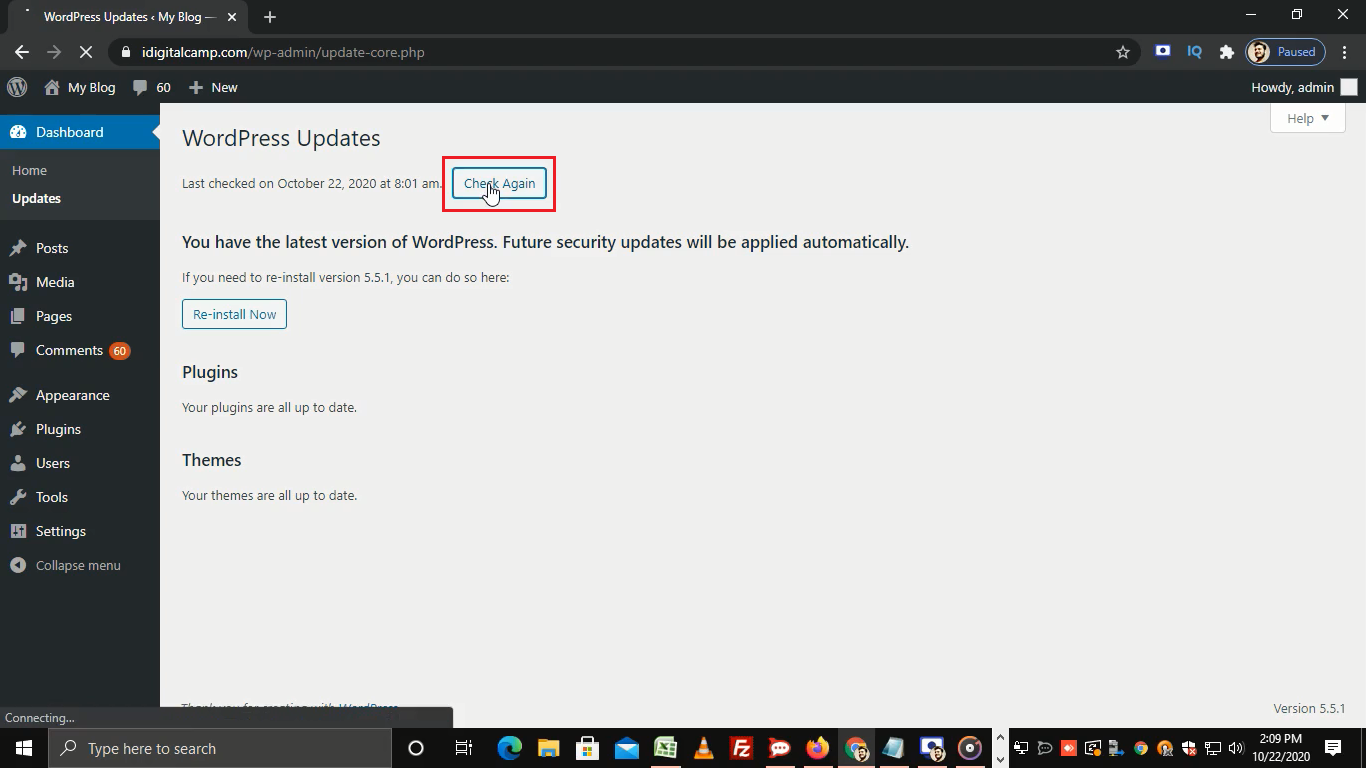
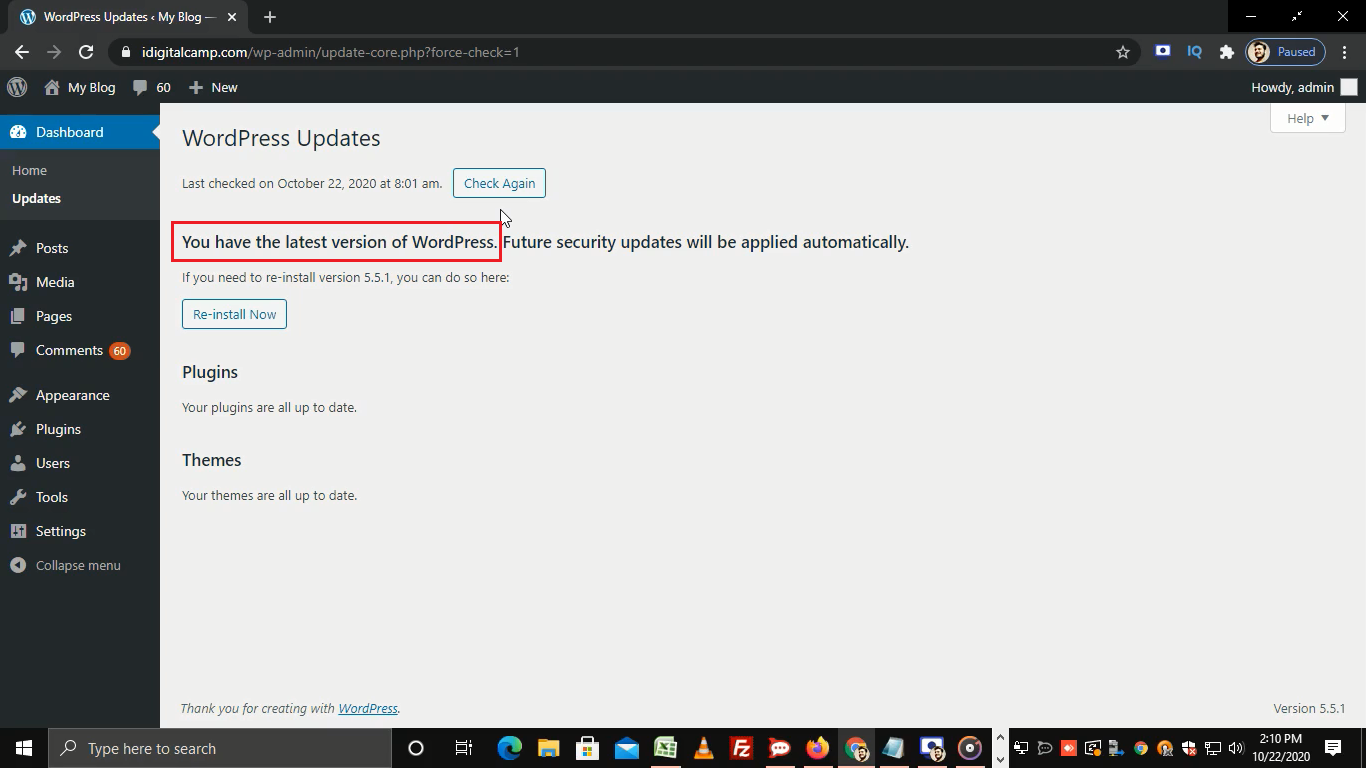
- Our version of WordPress is up to date.
- You can also update your plugins and themes from this section.
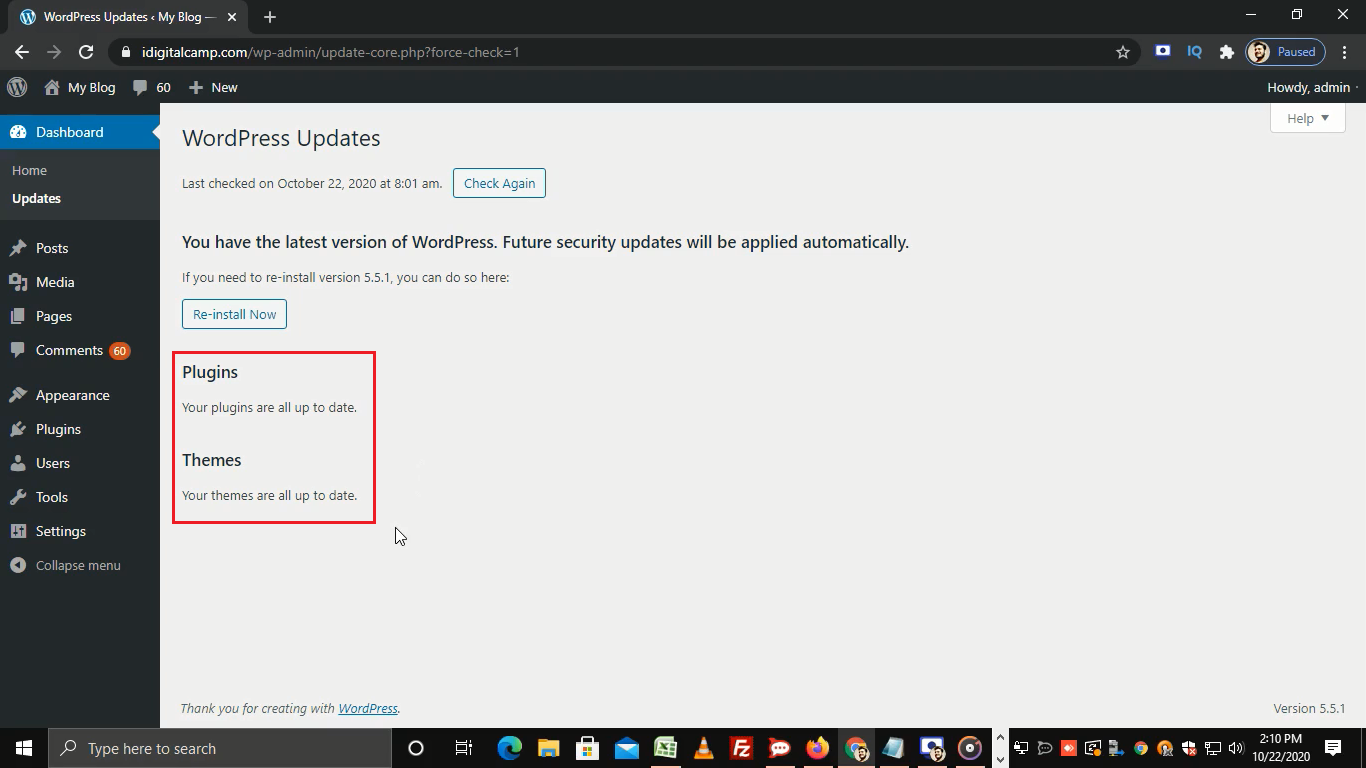
- As you can see Plugins and Themes are all up to date.
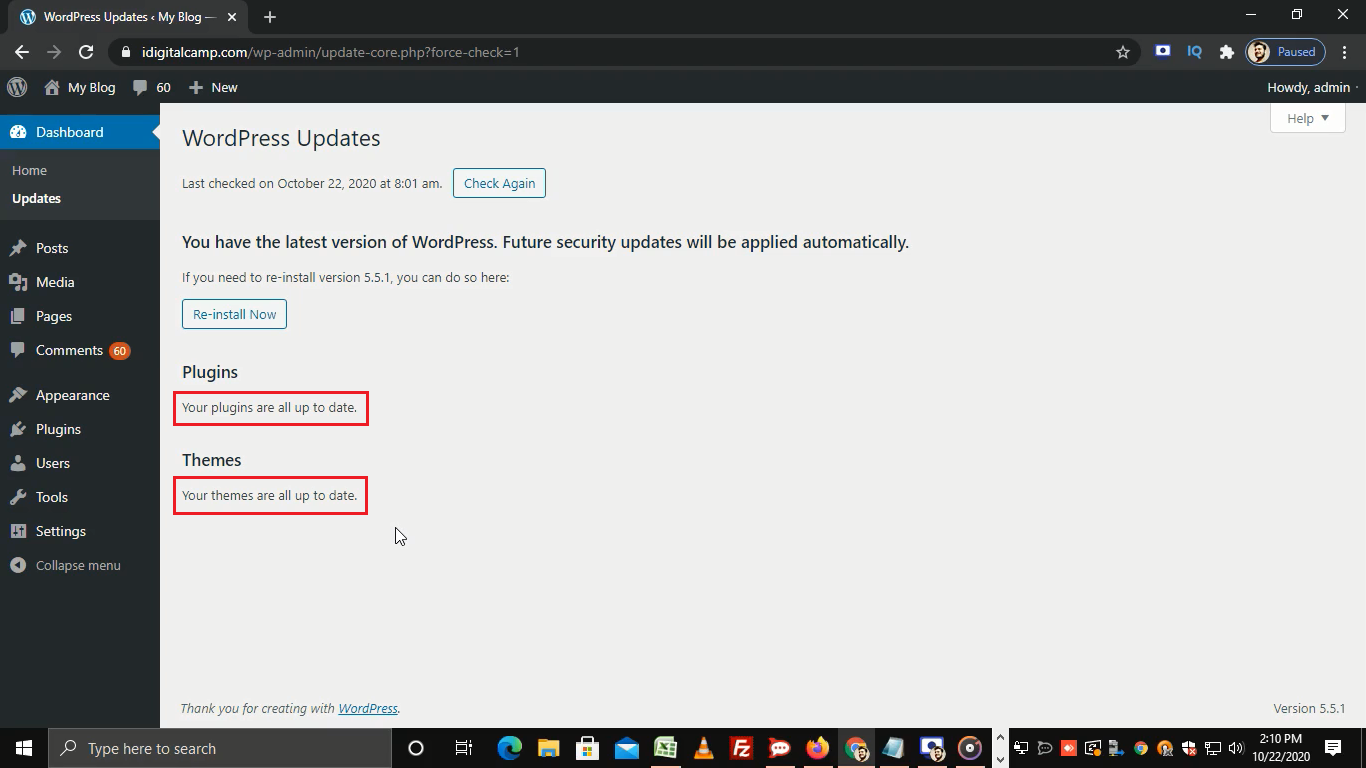
- In case there’s a problem and WordPress needs to be re-installed then you can click on the Re-install Now button.
- This process takes some time and once done you will see the latest version of WordPress.
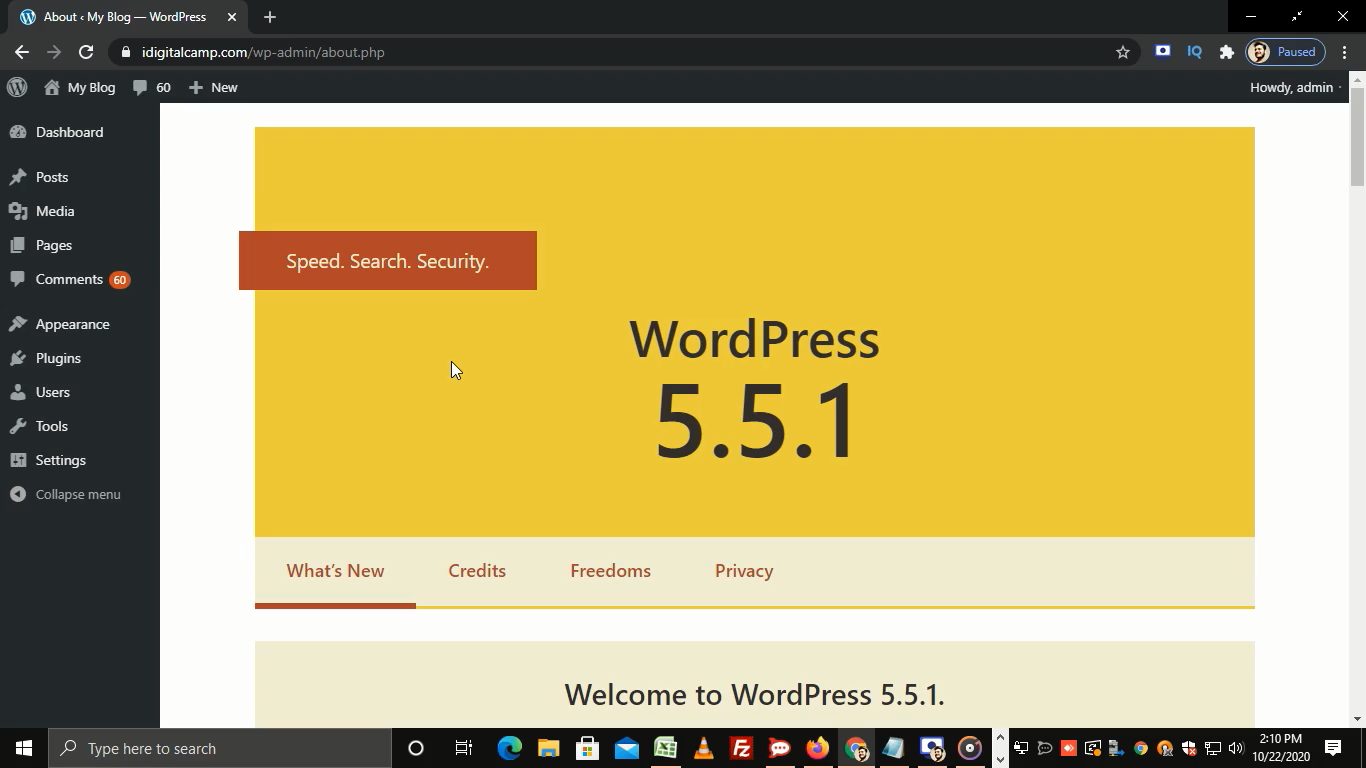
That’s how you can update WordPress installation.
Related items
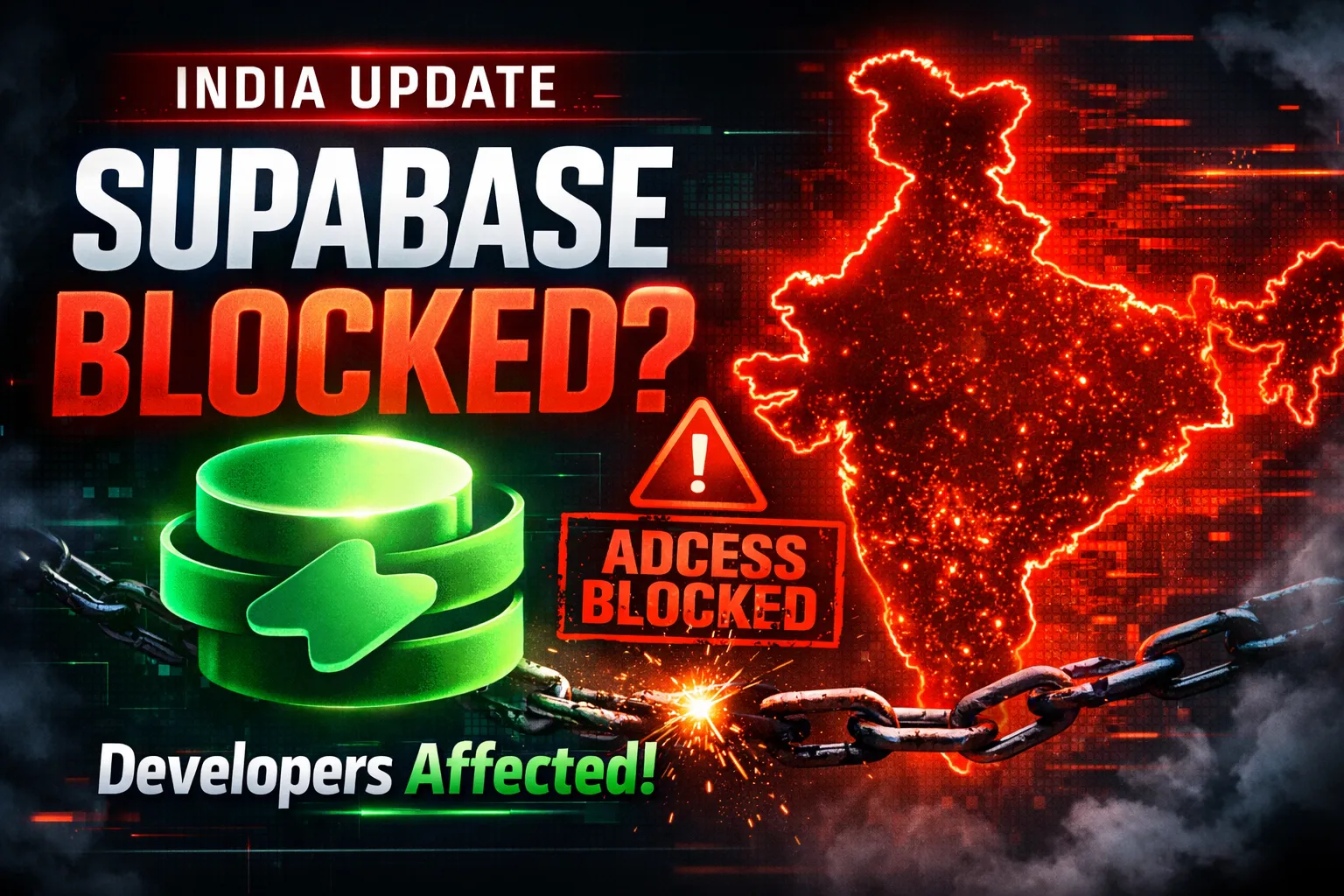
Developers across India are reporting serious Supabase access disruptions in India. Projec

The India U-19 vs Bangladesh U-19 cricket match is more than just a youth-level game. It r
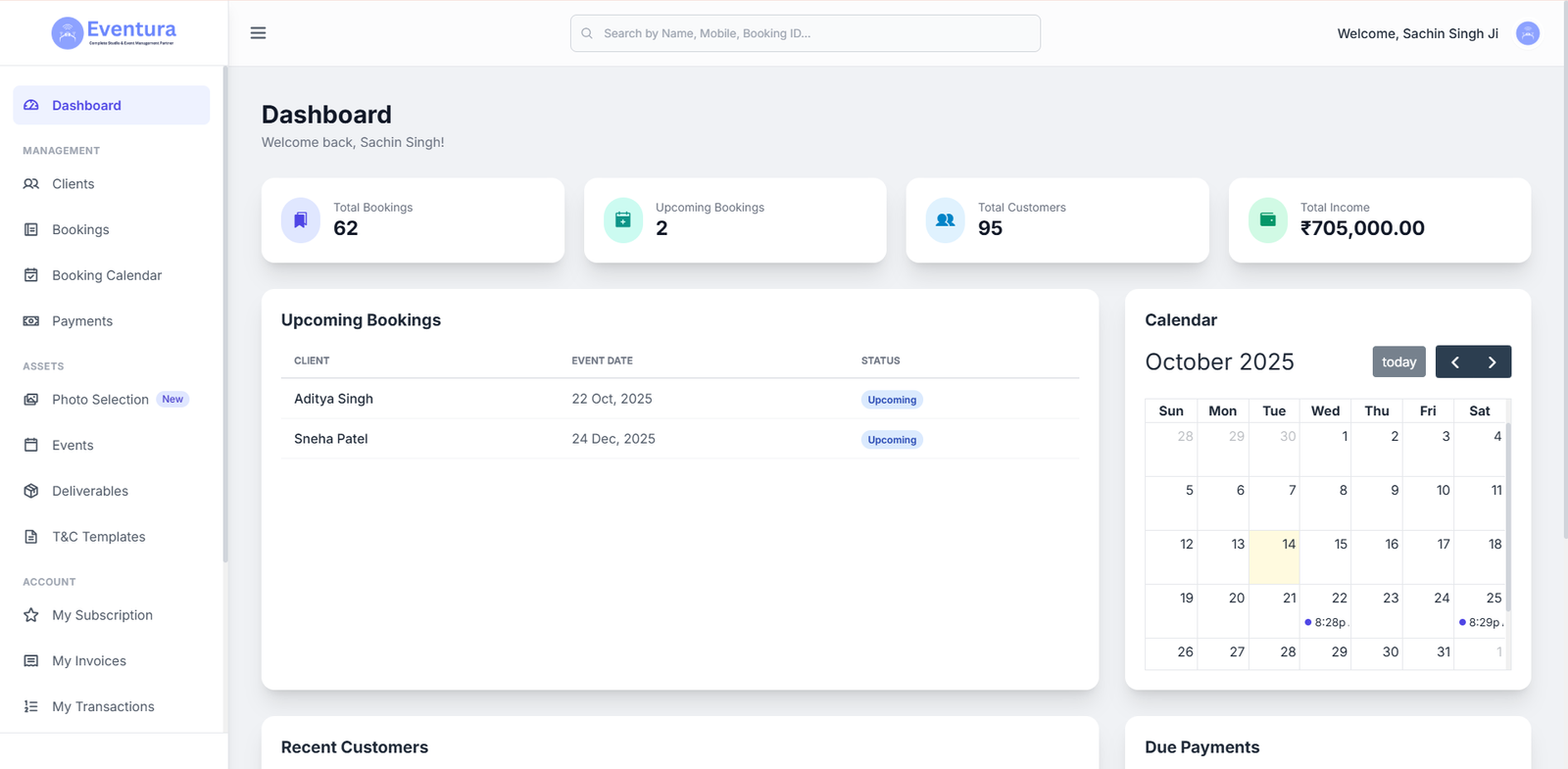
Are You a Photographer Drowning in Paperwork? Here’s How to Fix It. If you’re a pho