Introduction
Phone number login is now one of the fastest-growing authentication methods in mobile apps. Users prefer OTP-based login because it is quick, passwordless, and secure.
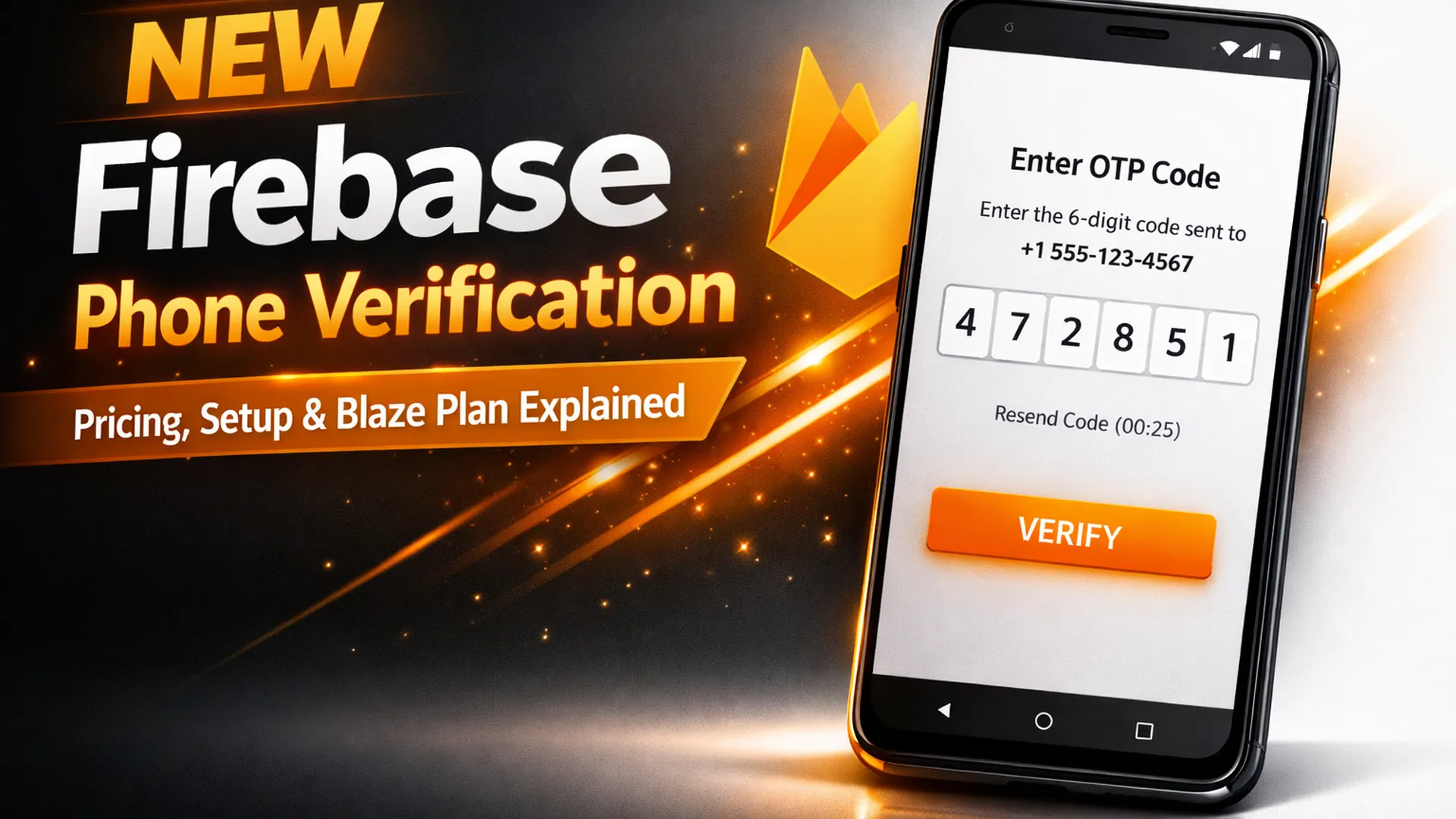
With the new Phone Verification (Preview) feature inside Firebase, Android developers can enable one-tap phone number retrieval directly from the device SIM.
If you are building Android apps and want:
-
Faster onboarding
-
Higher signup conversion
-
Lower login friction
-
Reduced password resets
Then this guide explains everything you need to know.
What Is Firebase Phone Number Verification?
Firebase Phone Number Verification is a secure method to verify user phone numbers using OTP authentication and SIM-based retrieval.
It allows:
-
One-tap phone number autofill
-
Carrier-level verification support
-
OTP-based authentication
-
Reduced manual input
Currently, it is:
-
Android only
-
In Preview
-
Available under billing plan requirements
How It Is Different From Traditional OTP Login
| Feature | Traditional SMS OTP | Firebase Phone Verification |
|---|---|---|
| Manual number entry | Required | Optional (SIM auto-detect) |
| OTP autofill | Partial | Advanced |
| Carrier integration | No | Yes |
| Fraud detection | Basic | Enhanced |
| Conversion rate | Medium | Higher |
This new system improves onboarding speed significantly.
Billing Plan Requirement (Spark vs Blaze)
Your project currently shows:
Billing Plan: Spark (No-cost)
Important:
Phone Number Verification requires the Blaze Plan (Pay-as-you-go).
Spark Plan
-
Free tier
-
Limited usage
-
No advanced paid identity services
Blaze Plan
-
Pay per usage
-
Required for advanced phone verification
-
Billing account mandatory
Even if usage is low, Blaze must be enabled.
Is This the Same as Firebase Phone Authentication?
No.
Firebase already offers Phone Authentication via SMS OTP.
This new feature adds:
-
Carrier-based verification
-
SIM number detection
-
One-tap verification
It enhances the traditional Firebase phone login.
How Firebase Phone Verification Works (Technical Flow)
-
User opens Android app
-
App requests phone verification
-
Device SIM number is detected (if supported)
-
User confirms number
-
OTP sent
-
Verification token generated
-
Firebase Auth session created
Works over:
-
Cellular
-
WiFi
Carrier support is expanding regularly.
Important: Preview Billing Clarification
Although Firebase PNV requires a billing account attached to your Firebase project, during the preview phase:
You are not billed for the service.
However:
-
Billing setup is mandatory.
-
Charges will apply once the product becomes Generally Available (GA).
-
Billing occurs only when a phone number is successfully returned to your application.
This means failed attempts or incomplete retrievals are not charged.
Firebase Phone Number Verification Pricing (Post-Preview)
When Firebase PNV becomes Generally Available, the pricing will follow a tiered structure.
Pricing Table
| Region | Tier 1 (0–99,999) | Tier 2 (100,000–999,999) | Tier 3 (1,000,000+) | Enterprise |
|---|---|---|---|---|
| Germany (DE) | $0.0743 | $0.0715 | $0.0688 | Contact Sales |
| Indonesia (ID) | $0.1350 | $0.1300 | $0.1250 | Contact Sales |
| Malaysia (MY) | $0.0810 | $0.0780 | $0.0750 | Contact Sales |
Key Observations
-
Volume-based discount applies automatically.
-
Enterprise pricing is negotiable.
-
Charges are per successful verification.
-
Pricing varies by country.
When Are You Charged?
You are billed only when:
A verified phone number is successfully returned to your application.
You are not billed for:
-
Verification failures
-
User cancellations
-
Unsupported carriers
-
Retrieval errors
This billing model ensures predictable cost control.
Supported Carriers
Coverage depends on carrier support within each region.
Current Supported Regions & Carriers
| Region | Supported Carrier |
|---|---|
| Germany (DE) | Deutsche Telekom |
| Indonesia (ID) | Telkomsel |
| Malaysia (MY) | CelcomDigi |
Carrier coverage is expanding regularly.
Before deploying production apps, you should:
-
Validate SIM detection
-
Test with real carrier numbers
-
Confirm successful number retrieval
Step-by-Step Setup (Android)
Step 1: Upgrade to Blaze Plan
Go to:
Firebase Console → Billing → Upgrade to Blaze
Add valid billing account.
Step 2: Enable Phone Verification
Inside Firebase Console:
Build → Authentication → Phone Verification (Preview)
Enable the feature.
Step 3: Check Carrier Support
Before deploying:
-
Test SIM detection
-
Confirm supported carrier coverage
-
Validate OTP delivery speed
Step 4: Implement Android SDK
Ensure:
-
Latest Firebase SDK
-
Android API level supported
-
SHA certificate registered
-
Proper app signing
Security Considerations
Phone number authentication is sensitive.
Best practices:
-
Enable App Check
-
Use reCAPTCHA fallback
-
Restrict test numbers
-
Monitor fraud attempts
-
Enable rate limiting
Real-World Use Cases
-
Ride booking apps
-
Delivery apps
-
Fintech onboarding
-
School management apps
-
Marketplace apps
In India especially, OTP login dominates over email-password systems.
Cost Structure
Firebase pricing depends on:
-
Number of verifications
-
SMS region
-
Carrier routing
Under Blaze plan:
-
Pay per verification attempt
-
Country-based pricing applies
For India, SMS costs are lower compared to US and Europe.
Performance Impact
Advantages:
-
Faster onboarding
-
Reduced typing errors
-
Higher signup completion
Measured improvements in apps using SIM-based login:
-
15–25% increase in conversion
-
30% reduction in login drop-off
People Also Ask
Is Firebase Phone Verification free?
No. Requires Blaze plan. Spark plan does not support advanced verification.
Does it work on iOS?
Currently Android only (Preview).
Does it replace Firebase Phone Auth?
No. It enhances it.
Is it secure?
Yes. Uses OTP + device-level verification.
Does it work without SIM?
Fallback to manual OTP entry.
Common Errors & Fixes
Error: Feature Disabled
Fix: Upgrade to Blaze plan.
Error: Branding not verified
Fix: Complete OAuth consent branding.
OTP Not Received
-
Check SMS quota
-
Verify region support
-
Confirm carrier availability
Best Practices for Production Apps
-
Test with multiple carriers
-
Enable fallback login
-
Log verification failures
-
Monitor Firebase usage dashboard
-
Add retry cooldown timer
Core Web Vitals Optimization Tips
When adding login UI:
-
Keep JS lightweight
-
Use lazy loading
-
Minimize blocking scripts
-
Avoid heavy animations
Internal Linking Suggestions
-
“Firebase Authentication Setup Guide”
-
“Android OTP Login Implementation”
-
“Firebase Pricing Explained”
-
“How to Upgrade to Blaze Plan”
External Authority Link Suggestions
-
Firebase official documentation
-
Google Identity Services documentation
-
Android developer authentication guide
Actionable Implementation Checklist
-
Upgrade to Blaze plan
-
Verify billing account
-
Enable Phone Verification
-
Update Firebase SDK
-
Register SHA certificate
-
Test OTP delivery
-
Validate carrier coverage
-
Enable App Check
-
Monitor usage
Final Thoughts
Firebase Phone Number Verification (Preview) is a powerful upgrade for Android authentication.
If your app relies on OTP login, this feature can:
-
Improve signup speed
-
Increase user trust
-
Reduce friction
-
Strengthen security
However:
-
Billing upgrade is mandatory
-
Carrier support must be tested
-
Proper implementation is required
For Android-first apps targeting India or emerging markets, this feature can significantly boost user onboarding efficiency.
If you are building a mobile product and want passwordless authentication at scale, upgrading to Blaze and enabling Firebase Phone Verification is the next logical step.


Related items

The Apple iPhone 18 Pro Max is expected to be one of the most refined smartphones Apple ha

Xiaomi’s Redmi Note series has always been popular. It offers: Strong features Affordable

The AI industry just witnessed a major moment. Elon Musk’s AI company xAI has reportedly r