In case the permalinks of your WordPress website are broken, your web pages will show an error – 404 page not found. You can follow the steps mentioned below to reset the permalinks in WordPress:
If you are troubleshooting your website, your first step should be to create a backup of your website so that it can be restored if something goes wrong.
- Login to WordPress.
- Go to Settings >> Permalinks.
- Modify the permalinks structure to – ‘Plain’.
- Click on ‘Save Changes’.
The URL of your website pages should now display the permalinks that you selected.
Related items
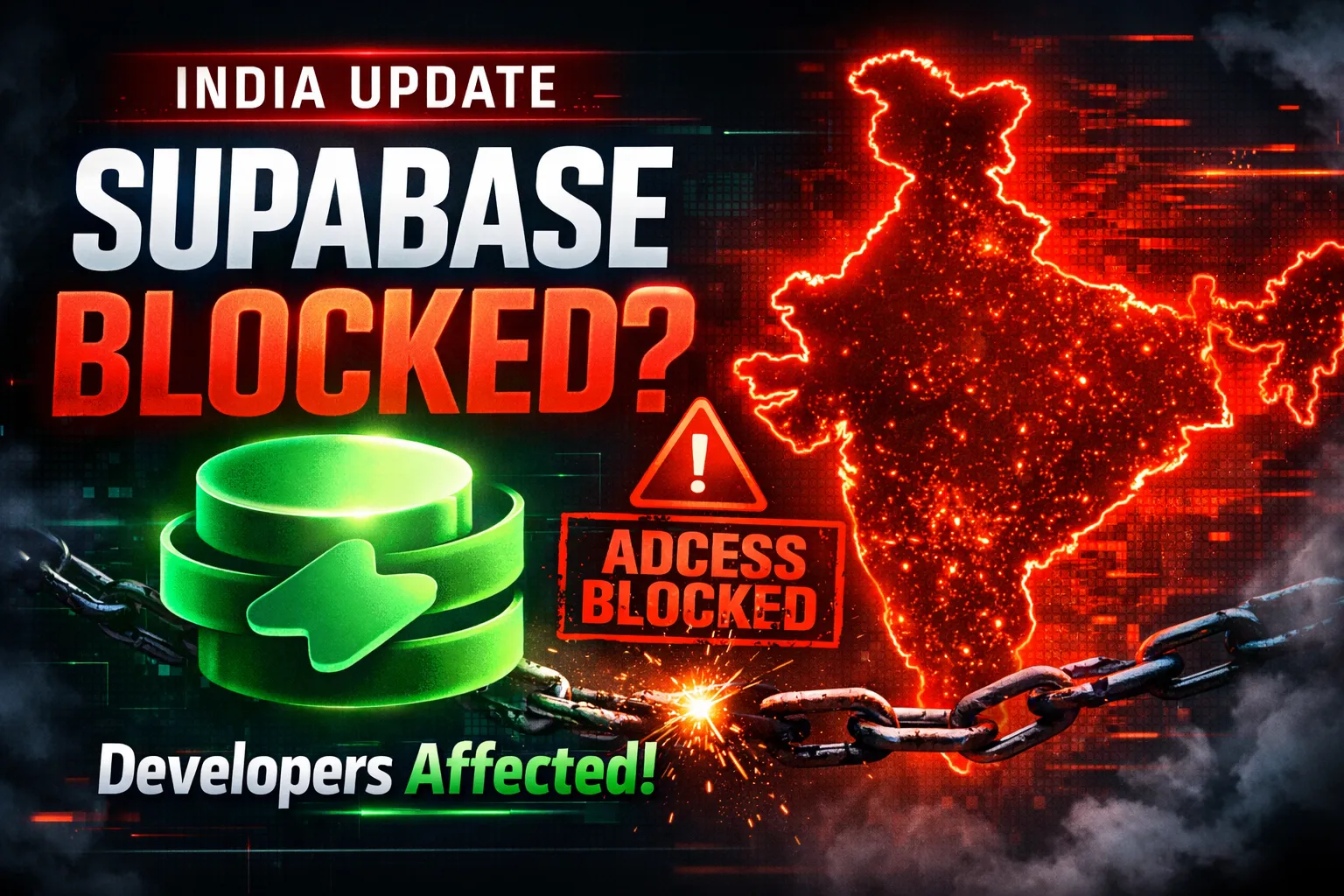
Developers across India are reporting serious Supabase access disruptions in India. Projec

The India U-19 vs Bangladesh U-19 cricket match is more than just a youth-level game. It r
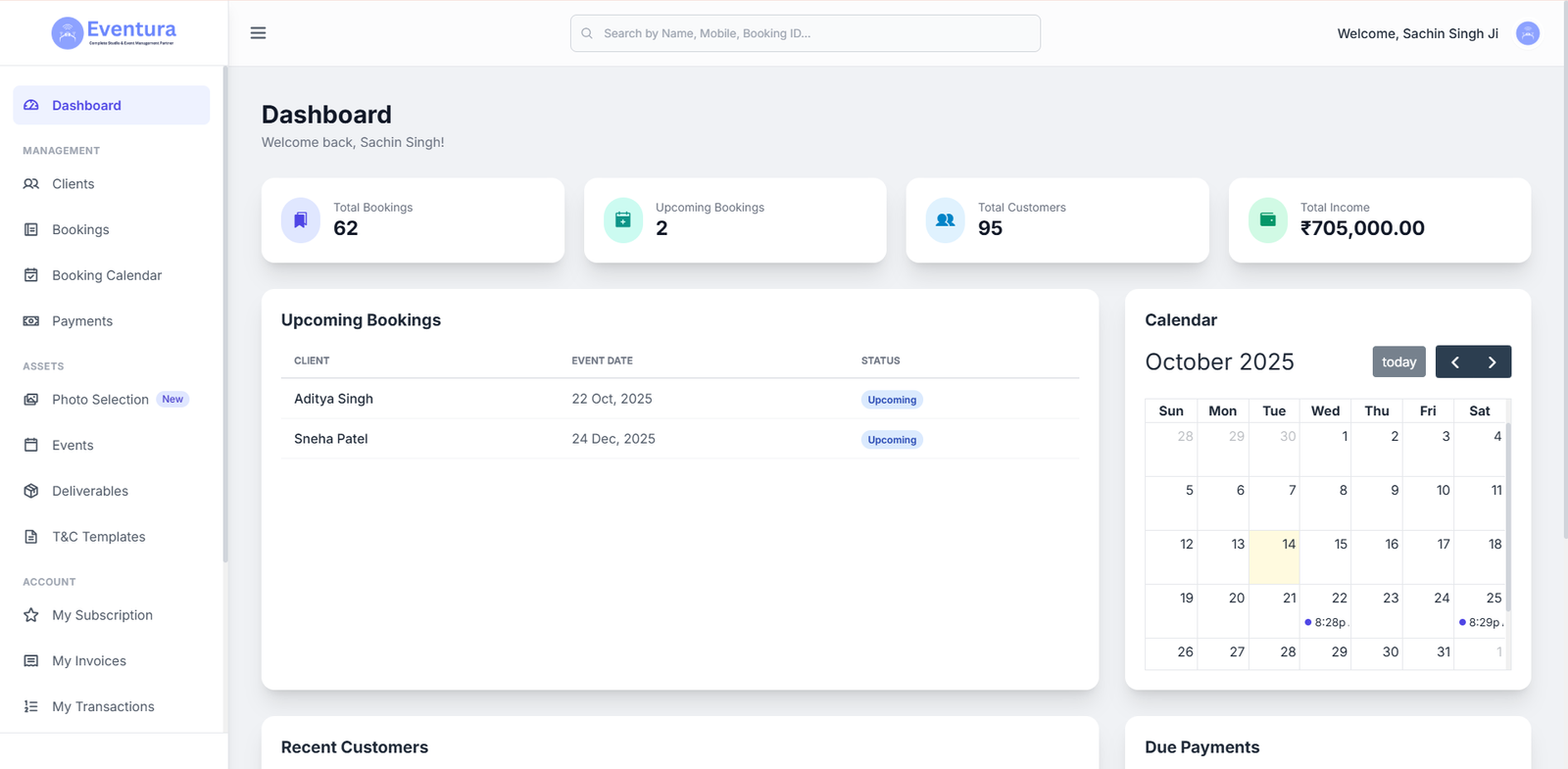
Are You a Photographer Drowning in Paperwork? Here’s How to Fix It. If you’re a pho